

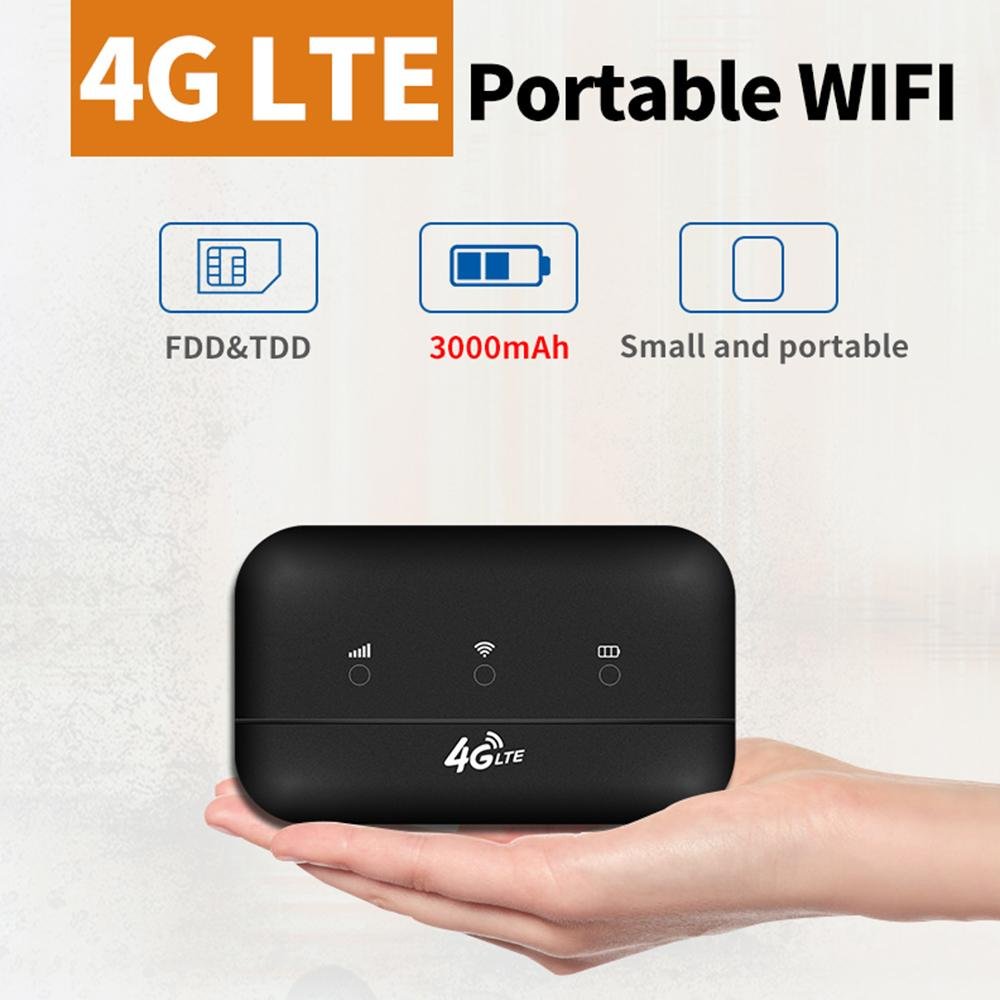
4G Pocket WiFi Sailsky for Safaricom/ Airtel/Faiba/Telkom.
Original price was: KSh6,000.00.KSh3,800.00Current price is: KSh3,800.00. Ex.VAT
Oraimo portable 4G mobile Wi-Fi hotspot is a compact, battery-powered device that provides high-speed, shareable internet connectivity on the go. It supports 4G data with speeds up to 150 Mbps and is compatible with all major network SIM cards. Enables share the Wi-Fi connection with up to 10 devices simultaneously, including smartphones, tablets, and laptops.
4G Pocket WiFi Sailsky for Safaricom/ Airtel/Faiba/Telkom.
Key Features of Sailsky 4G Pocket WiFi Devices
Sailsky pocket WiFi devices are generally unlocked and compatible with various 4G LTE networks (carriers), allowing users to simply insert a SIM card and use the device as a portable hotspot.
Common features include:
- Connectivity: 4G LTE Cat4 technology, providing download speeds up to 150 Mbps.
- SIM Compatibility: Features an unlocked SIM card slot (usually Nano or Micro SIM size, depending on the model).
- Multiple Connections: Support for connecting multiple devices, typically up to 10 users for pocket models
- Portability: Compact, lightweight design, often battery-powered for use on the go.
- Battery Life: Models like the XM41 and XM-M300 feature rechargeable batteries (e.g., 2400mAh to 3000mAh) offering several hours of use. Other models are DC-powered home/office routers (CPE) without batteries.
- Security: Built-in firewall and encryption (WPA/WPA2) for secure connections.
- User Interface: A simple user interface, often with an LED display for signal strength and status, and management via a web browser (default IP 192.168.1.1).
Available Models
Sailsky offers a range of models depending on specific needs (portable vs. home use, battery capacity, etc.):
- XM41: A popular portable model with a 3000mAh battery.
- XM-M300/XM-M312: Other pocket WiFi models with 2400mAh batteries.
- XM286/XM205/XM220: Larger indoor CPE router models that require DC power but support more users and sometimes have Ethernet ports.
Setup and Usage
Setting up a Sailsky pocket WiFi is designed to be straightforward:
- Insert a PINless SIM card into the dedicated slot.
- Power on the device.
- Connect your phone, tablet, or laptop to the WiFi network using the SSID and password provided on a sticker on the back of the router.
- (Optional) For advanced settings, you can log in to the router’s web interface using the default IP address and admin credentials.
Be the first to review “4G Pocket WiFi Sailsky for Safaricom/ Airtel/Faiba/Telkom.”
You must be logged in to post a review.
Related products
5G/4G Portable Mifi Router
5G/4G Portable Mifi Router
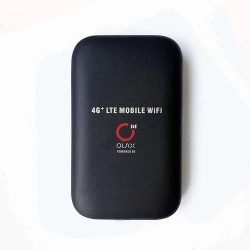
OLAX 4G LTE Portable Wifi Hotspot Pocket Mifi. Saf|Airtel|Faiba|JTL
5G/4G Portable Mifi Router
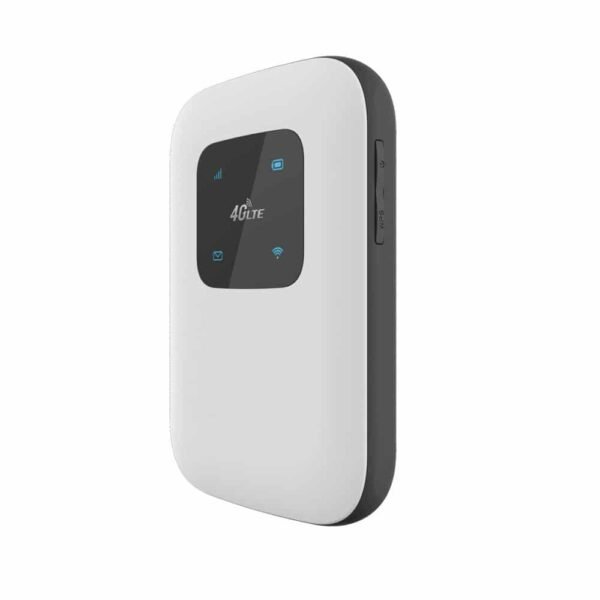
Faiba 4g-Safaricom, Airtel , Telkom Universal Harvilon MF833 4G MiFi
5G/4G Portable Mifi Router
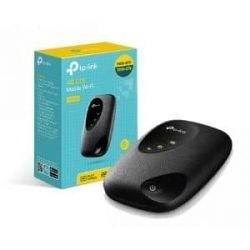
TP-Link M7200 4G LTE MiFi -Portable Safaricom, Airtel,Telkom WiFi
Reviews
There are no reviews yet.